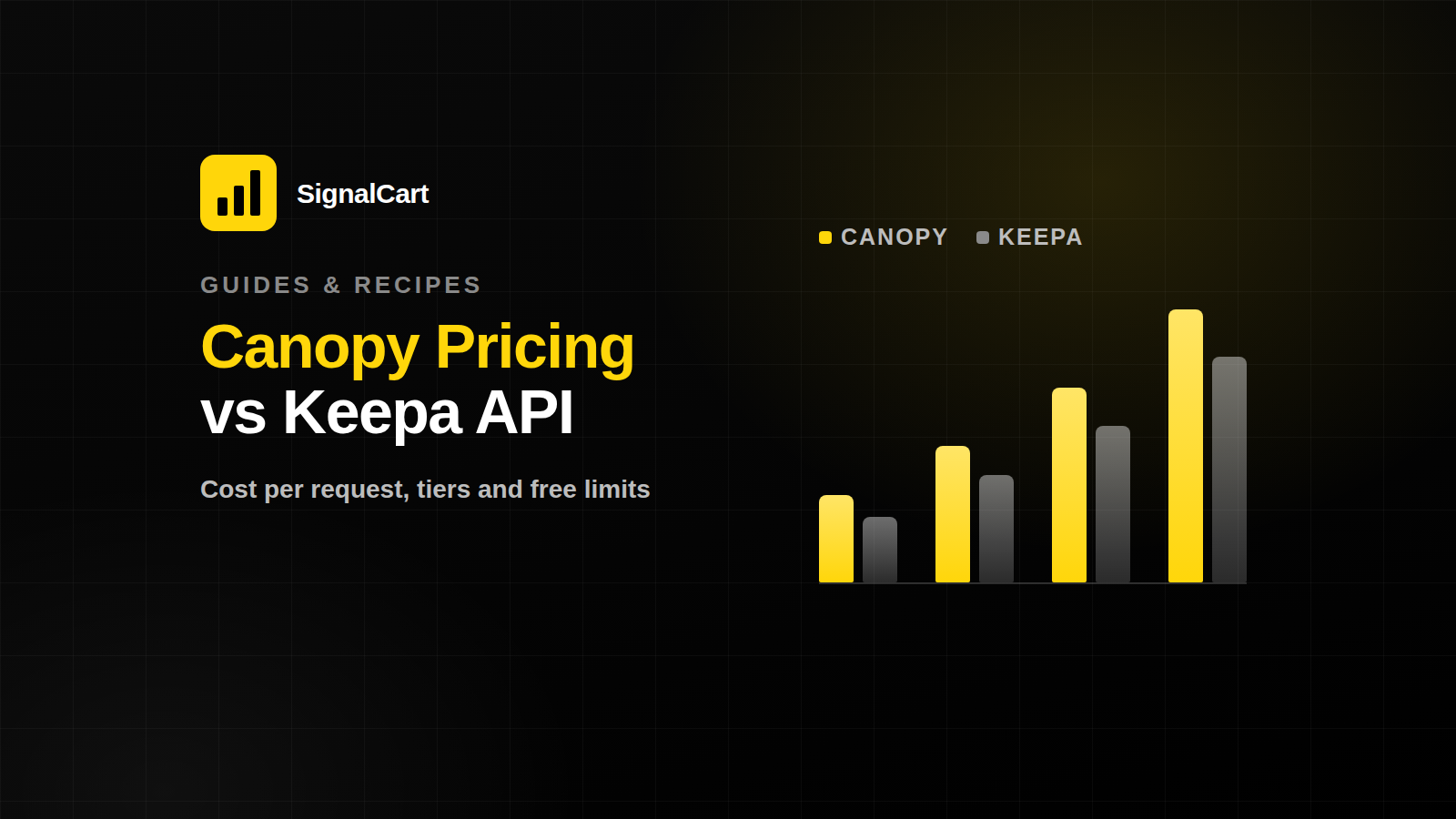
Canopy pricing depends on which Canopy you mean: the accounting software is per-user SaaS, while the Canopy data API is usage-based. For API buyers, compare cost per 1,000 requests after credits, tokens, and rate limits, and confirm current tiers and free limits directly with Canopy; Keepa is the usual benchmark.
Canopy pricing is not a single thing, and that ambiguity is why so many buyers stall before they buy: the highest-ranking "canopy pricing" pages describe accounting practice-management software sold per user per month, while a smaller, more technical group of searchers means the Canopy e-commerce data API for Amazon and marketplace product data. If your goal is data, the number that matters is not the plan price — it is cost per 1,000 requests after credits, tokens, and rate limits are normalized. This benchmark does exactly that for Canopy API against Keepa API, then shows where a single multi-platform API changes the math.
What "Canopy Pricing" Actually Means: Two Different Products
Two vendors share the name, and they serve different buyers. Canopy (getcanopy.com) sells tax and accounting practice-management software on a per-user subscription, commonly cited around $74–$109 per user per month. That product has nothing to do with product research, price history, or offer data. The Canopy API discussed here is a product and marketplace data interface used by Amazon sellers, developers, and agencies for Amazon product data API coverage spanning catalog lookups, search results, reviews, and category data.
Search engines blur the two because both queries look identical. A solo seller hunting for review data and an accountant comparing practice software type the same three words. Before you compare anything, confirm which vendor page you are on, which data fields the plan actually returns, and whether the pricing page you are reading is current. Vendor pages change tiers without notice; treat every number below as a structure to verify, not a quote to budget against.
This article covers three questions only: how each vendor converts a subscription fee into a per-request cost, how free allowances differ, and at what monthly volume the cheaper vendor flips. It is a procurement comparison, not a feature tour.
Canopy API Pricing: Plans, Tiers, and Cost per Request
Canopy API pricing tiers and free limits are not stated in the allowed sources and must be verified. What can be described is the plan architecture typical of product-data APIs, and the questions that determine whether a tier fits.
Most plans of this type move through three stages: a free or developer sandbox tier, a low-volume production tier with a request cap, and higher tiers that add concurrency rather than cheaper requests. The fee itself tells you little. Convert it:
Effective cost per 1,000 requests = (monthly fee ÷ included requests) × 1,000
Run that formula at your real volume, not the tier ceiling. A plan that includes 100,000 requests but that you use at 20,000 produces a cost per 1,000 that is five times the headline rate. Conversely, a plan that looks expensive can be the cheapest per request once you actually consume the allowance.
The second variable is the credit model. Not every endpoint is billed identically. In most product-data APIs, a simple product lookup is one unit, a keyword search that returns a page of results is another, and review pagination or category traversal can consume several units per logical query. Before comparing vendors, list the four endpoint families you will call — product, search, reviews, category — and confirm the credit cost of each, in writing.
Third, look for the operational limits that quietly raise your real cost: maximum concurrency, response size caps, cache rules (whether a repeated call within a window is billed again), and whether unused credits roll over or expire monthly. Expiring credits set a hard ceiling on cost efficiency, because any unused allowance is pure waste. Confirm all of these on the vendor's live pricing page before you commit, and get the answer in writing if your contract term is longer than a month.
Keepa API Pricing: Tokens, Plans, and Free Limits
Keepa's model is different in kind, not just in price. Keepa API pricing tiers and free limits are not stated in the allowed sources and must be verified, but the mechanics are well documented in principle: Keepa bills in tokens, and tokens are consumed per request and per minute of data requested. That single design choice is why Keepa cost per call varies so widely between users on the same plan.
A bare product lookup with current fields costs relatively few tokens. Add historical price graphs and you are charged for the minutes of history you pull — a 90-day graph and a multi-year graph are not the same purchase. Add offer counts and you are charged for the volume of seller data returned. Add a bulk refresh across a watchlist and token burn compounds across all three dimensions at once.
This is the practical answer to the most common search question about Keepa: there is no permanent free API tier, only a trial or low-cost subscription entry point, and the entry plan's token allowance is small enough that a serious price-history workflow will exhaust it well before month-end. Model your monthly Keepa bill as a function of history depth and offers per product, not as a function of product count alone.
Three hidden cost drivers deserve explicit budgeting:
History depth — every additional month of price graph is a billable minute.
Offer counts — wide buy-box and FBA/FBM offer data multiplies the cost per product.
Refresh cadence — daily refreshes over a large catalog generate token burn whether or not anything changed.
If your use case is tracking buy-box movement and price history on a few thousand ASINs, Keepa is genuinely well suited (see how Keepa's historical price data compares with consumer trackers) and the token model is defensible. If your use case is broad extraction of product fields and review text across a large catalog, token-based billing for history you never read is spend you cannot recover.
Head-to-Head: Cost per Request Comparison Table
The table below compares structure, not quotes. Every dollar figure is marked for verification because vendor pages change.
Dimension | Canopy API | Keepa API |
|---|---|---|
Billing unit | Request credits per plan | Tokens, charged per request and per minute of data |
Entry price | ||
Effective cost per 1,000 product requests | — varies with history depth and offer count | |
Included data fields | Product, search, reviews, category | Product attributes, price history, offers |
Rate limits | Concurrency-capped by tier | Token-per-minute ceiling governs throughput |
Free or trial allowance | Trial/entry subscription only, no permanent free tier | |
Marketplace coverage | Amazon and marketplace product data | Amazon marketplaces |
Now the three scenarios that decide the purchase.
Solo seller at 10K requests per month. At this volume, plan minimums dominate and per-request efficiency is almost irrelevant. Pick the vendor whose smallest paid tier covers 10K requests without overage, and whose free or trial allowance lets you validate data quality first. The cost difference between vendors here is usually smaller than the cost of one wasted week of engineering.
Growing brand at 100K requests per month. This is where the curves separate. A credit model with a flat included allowance gets cheaper per request as you approach the cap; a token model gets more expensive if your 100K requests are history-heavy. Recalculate cost per 1,000 using your actual endpoint mix, not a 50/50 blend.
Agency at 500K+ requests per month. At this volume you are negotiating, and the variable that matters is not the headline rate but the overage rate and the concurrency ceiling. Ask both vendors for the marginal cost of the 500,001st request. That number, not the plan price, is your true cost curve.
Free Limits, Trials, and Costs Neither Vendor Advertises
Free tiers are marketing, and they are comparable only on four axes: request cap, data freshness, commercial-use rights, and whether usage is throttled or sandboxed. A free tier that returns stale product data will not validate a price-monitoring workflow. A free tier that forbids commercial use will not support a client deliverable. A free tier capped at a few hundred calls validates schema, not throughput. Canopy's and Keepa's specific free allowances are and should be read line by line before you build a proof of concept on them.
Then there are the costs that never appear on a pricing page:
Schema normalization. Two vendors mean two response shapes, two ID conventions, and two sets of retry semantics. Every hour spent mapping fields is an hour not spent on analysis.
Duplicate spend for social data. If you also need TikTok Shop, Instagram, or YouTube public data, an Amazon-only vendor leaves you buying a second contract elsewhere.
Overage and top-ups. Mid-cycle credit purchases are usually priced worse than the plan rate.
Common questions buyers bring from search, answered plainly:
Is there a free API? Keepa has no permanent free API tier, only a trial or entry subscription. Canopy's free allowance is .
What does it cost per month? Both vendors publish tier prices, but the meaningful number is your effective monthly bill at your endpoint mix — for both.
What does it cost per request? Canopy bills in credits; Keepa bills in tokens that scale with history minutes and offers. Neither publishes a single flat cost per request.
For a related look at how quota-based pricing changes monitoring budgets, see our breakdown of how YouTube API quotas shape media monitoring costs, and for proxy-driven scraping economics, this comparison of Amazon scraping API alternatives, pricing models, and success rates.
Which Is Cheaper for Your Use Case — and When to Look Beyond Both
Decide by use case, not by brand.
Pure Amazon price and buy-box history. Keepa's strength. If your workload is history on a defined ASIN list, the token model maps cleanly to the value you extract.
Broad product and review extraction. Canopy's territory. If you need catalog fields and review text at volume rather than deep time series, a credit model is easier to forecast.
Multi-marketplace and social coverage. Neither vendor solves this alone. This is where stacking contracts starts to cost more than the subscriptions themselves.
That third case is the one worth comparing e-commerce data API costs carefully. A team that needs Amazon data plus TikTok Shop, Instagram, and YouTube public data faces two contracts, two schemas, and two renewal dates — before any analysis begins. SignalCart provides e-commerce and social media data in one API covering Amazon, TikTok Shop, Instagram, and YouTube public data, with a single schema and a single bill. For sellers and brands, TikTok Shop sellers and creators, developers, and agencies, that consolidation removes the engineering overhead line item rather than shaving a fraction off the per-request rate.
Before you buy either vendor, run this checklist:
Monthly request forecast by endpoint family — product, search, reviews, category.
Required fields, including whether you need history depth and full offer data.
Marketplace and platform coverage — Amazon only, or Amazon plus social.
Freshness SLA — how stale can a price or offer be before it breaks the workflow?
Total cost, including engineering hours to normalize schemas and the marginal cost of overage.
Price the whole stack, not the sticker. The vendor with the cheaper plan is frequently the more expensive decision once credits expire, history minutes accumulate, and a second contract is added for social platforms.
FAQ
How much does the Keepa API cost per month?
Keepa API pricing is subscription- and token-based rather than a flat monthly fee, so the monthly cost depends on the plan and request/token volume. Check Keepa’s current pricing page for exact figures.
Is there a free Keepa API?
Keepa’s API is generally a paid product with no standing free tier. Any trial, sample, or limited token access should be confirmed on Keepa’s site.
How much does Canopy API cost?
Canopy API pricing is not a single public number; it depends on the plan, credits or tokens, and request volume. Normalize it to cost per 1,000 requests before comparing it with Keepa.
Does Canopy API have a free tier?
Free limits, if any, are plan-specific and should be confirmed directly with Canopy. Do not assume a permanent free tier when modeling cost per request.
Why compare Canopy pricing with Keepa API?
Both serve Amazon and marketplace product data, but credits, tokens, and rate limits make headline plan prices misleading. Cost per 1,000 requests is the comparable metric.

by Nadia Torres, Social Commerce & Trend Research Analyst
Nadia Torres covers social commerce and cross-platform trend research, from rising TikTok Shop products to breakout Reels, YouTube Shorts sounds, and creator discovery. She explains how to compare growth across platforms, validate an early signal against marketplace data, and avoid treating every viral post as durable demand. Her articles turn public product and creator data into clear research workflows for sellers and marketers.