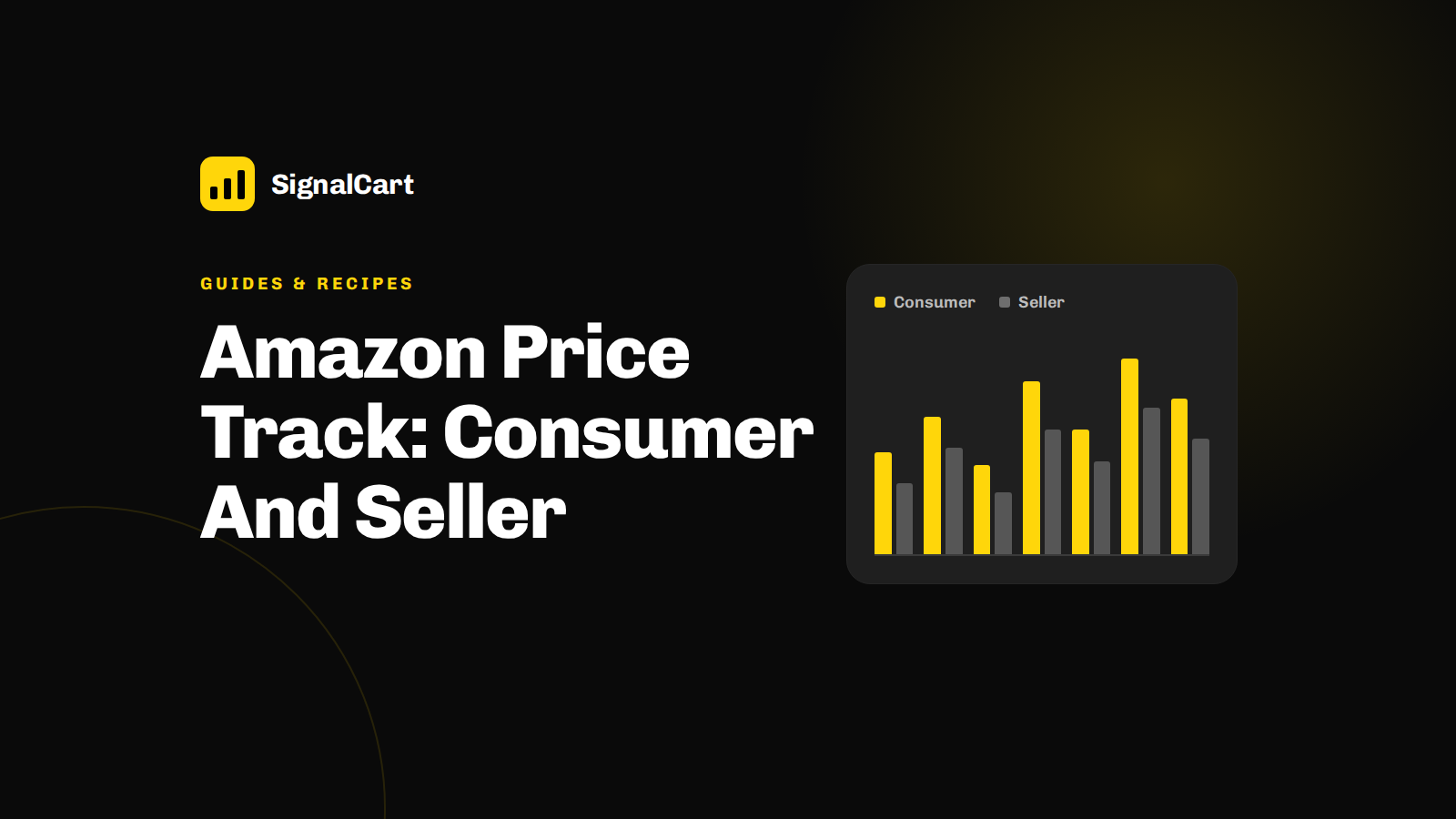
A price track is a scheduled capture of an Amazon listing's price fields — Buy Box price, list price, coupon, and availability — stored as a time series. Consumers track one product for deals; sellers track ASIN watchlists to detect undercutting, MAP breaches, and margin drift, feeding repricing rules with fresh, variant-matched data.
A price track is a scheduled capture of an Amazon listing's price fields — Buy Box price, list price, coupon or promotion, and availability — stored as a time series so you can monitor e-commerce prices in real time instead of reacting to a single snapshot. That definition matters because the keyword "price track" is used for two very different jobs: a shopper waiting for a drop, and a seller or developer running bulk ASIN monitoring as a data pipeline.
What "Price Track" Means on Amazon: Consumer vs. Seller Perspectives
Consumer price tracking is demand-side: a browser extension or app watches one product, shows a price history chart, and pings the shopper when the price crosses a threshold or a coupon appears. The unit of work is one item, the goal is a deal, and a missed refresh costs someone a few dollars.
Seller-side tracking is supply-side. The unit of work is a watchlist of ASINs — often your own catalog plus a defined competitor set — and the questions are commercial: is a rival undercutting my Buy Box price, is a reseller breaking MAP, is my coupon-adjusted price drifting below the margin floor, and what inputs should a repricing rule consume? Here the cost of a bad refresh is a pricing decision made on stale or variant-mismatched data.
| Dimension | Consumer price track | Seller / developer price track |
|---|---|---|
| Unit of work | One product page | Watchlist of many ASINs |
| Fields watched | Current price, coupon | Buy Box price, list price, coupon, BSR, availability |
| Output | Alert or chart | Stored history, CSV/JSON export, alert webhook |
| Cadence | Best effort | Defined schedule tied to a decision |
| Failure cost | Missed deal | Wrong price, MAP breach, margin loss |
So the direct answer to "What is the difference between consumer and seller Amazon price tracking?" is scale and repeatability. The commercial buyer needs ASIN-level, bulk, repeatable records with exportable history — not a one-off email alert.
How Automated Amazon Price Tracking Works Under the Hood
Every tracker, extension or API, runs the same three-stage pipeline. First, collect from public product pages or public endpoints. Second, normalize the response into ASIN-level fields: Buy Box price, list price, coupon and promotion text, Best Sellers Rank, availability, seller of record. Third, append the snapshot to a history store so change is computable — today's price minus the price on the last refresh.
Consumer tools such as Keepa, Honey Droplist, and Buyhatke are excellent at stage three for a single shopper: long history charts and simple drop alerts. They are not built for stage one at scale. An API-based Amazon scraping layer is what lets a team pull thousands of ASINs on a schedule, keep the raw response, and push it into a warehouse, sheet, or dashboard.
Refresh frequency is the main tradeoff. Hourly polling catches intraday repricing moves but multiplies request volume and cost; daily polling is enough for assortment and MAP audits. Neither is free, and rate limits are real. The practical rule: choose the slowest cadence that still precedes the decision you are making.
Consumer-Grade Trackers vs. Seller-Grade Data: Where Tools Diverge
Top-ranking consumer tools do three things well — readable history charts, simple alerts, and broad catalog coverage for popular items. They stop where commercial work begins: no bulk ASIN watchlists with per-ASIN schedules, limited or paywalled history exports, no structured field-level output for a warehouse, and no cross-platform context.
What sellers, brands, and agencies actually require:
- Multi-product watchlists segmented by category, competitor set, or margin band.
- Historical price exports in CSV or JSON with a documented field schema.
- Alerting into Slack, email, or Sheets on a threshold or a competitor move.
- Audit-friendly records — what was observed, when, and from which listing — separated from estimates and derived metrics.
SignalCart API is the seller-grade Amazon scraping API alternative here: an ASIN API that returns structured product data — titles, prices, images, ratings — using public data only, so Amazon product research at scale does not depend on a browser session or a personal shopping account.
Building a Multi-Product Price Track Workflow with SignalCart
- Define the watchlist. Export your own ASINs plus the competitor set you actually price against. Tag each row with a segment so later analysis is not one undifferentiated list.
- Schedule refreshes. Set a cadence per segment — faster for high-velocity SKUs, weekly for slow movers.
- Store history. Keep every snapshot with a timestamp and the source field names; never overwrite yesterday.
- Trigger alerts. Fire on an absolute threshold, a percentage move, a Buy Box ownership change, or a coupon appearing.
- Add context. Pull SignalCart Trends and TikTok Shop, Instagram, and YouTube data for the same products to see whether a price move coincides with creator GMV or social demand.
Yes — you can monitor Amazon price history for multiple products. An illustrative example: a 250-ASIN watchlist refreshed once daily for 90 days produces roughly 22,500 snapshots [needs verification depending on plan limits], enough to chart Buyer Box price movement per parent ASIN. Export as CSV or JSON with fields such as asin, snapshot_at, buy_box_price, list_price, coupon, availability, and bsr — then join to social metrics by product name or SKU.
That join is where pricing decisions get sharper: a competitor's cut that also tracks rising creator attention is a different threat from a cut with flat social demand. Price monitoring data converts competitor pricing information into pricing decisions only when it is paired with Amazon demand trends.
Refresh Cadence, Legality, and Data Hygiene for Price Tracking
"How often should an Amazon price tracker refresh data?" Match cadence to decision speed: hourly for repricing inputs on fast-moving categories, every few hours for Buy Box share tracking, daily for competitor assortment and MAP compliance, and weekly for market audits and category benchmarking.
"Is Amazon price tracking legal?" Collecting publicly visible data is broadly the basis these tools operate on, but the operational rules matter more than the label: respect terms and robots directives, rate-limit requests, avoid account-linked scraping that risks a seller account, and use a dedicated collection layer rather than a logged-in browser. This is not legal advice — confirm with counsel for your jurisdiction and use case.
Common data hygiene failures to check before acting:
- Stale snapshots — a failed refresh that silently reuses yesterday's price.
- Variant and size mismatches — child ASIN data pooled into a parent chart.
- Coupon-adjusted prices — the displayed price that ignores a clipped coupon.
- Third-party vs. Amazon seller of record — different Buy Box dynamics.
Validate history by spot-checking a handful of ASINs manually before you build rules on top of it.
Choosing the Right Price Track Setup: Checklist and Next Steps
| Criterion | What to confirm |
|---|---|
| ASIN coverage | Bulk watchlists, segment tagging, variant handling |
| Refresh interval | Configurable per segment, not one global setting |
| History depth | How far back, and can you export all of it |
| API and export | Documented fields, CSV/JSON, warehouse-friendly |
| Alerting | Slack, Sheets, webhook, threshold logic |
| Social signals | Creator GMV and demand context in the same pipeline |
Start by trialing SignalCart API and SignalCart Trends to run a live Amazon price track alongside TikTok Shop and creator data — the same request layer can feed an Amazon scraping pipeline that stores snapshots cleanly and visualizes them in dashboards.
Frequently Asked Questions
How can I track Amazon prices automatically?
Pick a collection layer — extension, app, or API — schedule a refresh, store each snapshot with a timestamp, and set alert rules. For more than a handful of ASINs, an API-based pipeline with stored history is the only approach that scales.
Does Google Chrome have a price tracker, and is it enough for sellers?
Yes, several Chrome extensions show price history and drop alerts. They are fine for personal shopping and inadequate for sellers: no bulk ASIN monitoring, limited exports, and no cross-platform demand context.
How do you view the price history of an Amazon item at scale?
Query by ASIN through an API, store every response, and chart by parent ASIN with variant and coupon fields preserved. Batch requests across a watchlist and export the series rather than reading charts one product at a time.
FAQ
How can I track Amazon prices automatically?
Use a scheduled job or price-tracking API that captures the listing's price fields at fixed intervals and stores each capture as a time series. Consumer tools such as Keepa or CamelCamelCamel do this for single products, while sellers run bulk ASIN jobs across a watchlist.
What is the difference between consumer and seller Amazon price tracking?
Consumer tracking watches one product page for a deal alert or history chart. Seller tracking monitors a watchlist of ASINs for Buy Box undercutting, MAP violations, and repricing inputs, keeping stored history for export and analysis.
Can I monitor Amazon price history for multiple products?
Yes. A bulk ASIN watchlist with scheduled captures records Buy Box price, list price, coupon, and availability for every listing, producing a time series you can export to CSV or JSON.
How often should an Amazon price tracker refresh data?
Match refresh frequency to price volatility and decision speed: daily captures suit trend charts, while competitive repricing usually needs several refreshes per day, within rate limits and request budget.
Is Amazon price tracking legal?
Tracking publicly visible prices is generally acceptable, but you must respect Amazon's Conditions of Use, robots.txt, and rate limits, avoid logged-in or personal data, and check local law. Official APIs are the safest route.

by Sofia Chen, Marketplace Intelligence Analyst
Sofia Chen covers marketplace research and e-commerce data workflows, with a focus on Amazon product, price, sales, and review data. Her explainers show sellers and developers how to structure marketplace records, compare data sources, and separate useful demand patterns from one-off spikes. She writes practical guides for turning raw product listings and review feeds into decisions teams can test and measure.